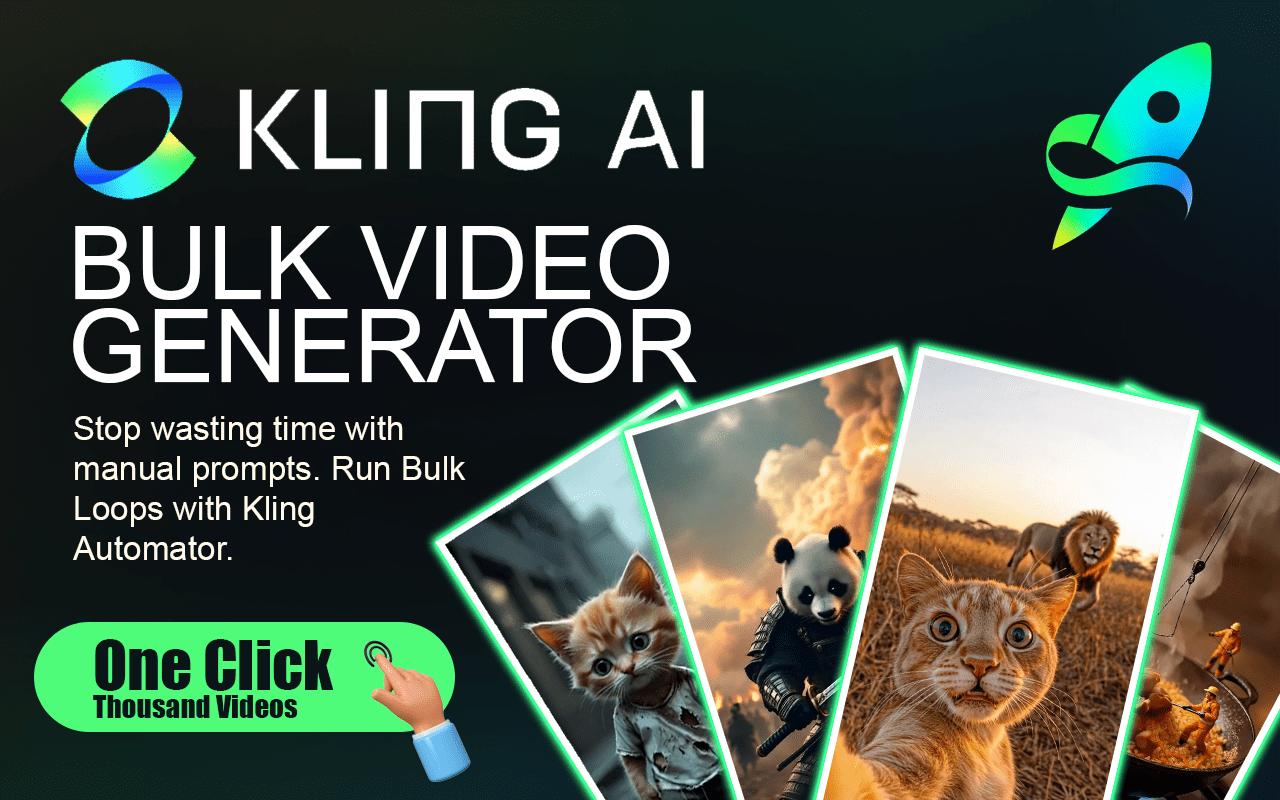
Accelerate your creative output with KlingGen Automator, the ultimate productivity extension for the Kling AI platform. Stop wasting hours on repetitive manual clicking and start generating massive libraries of high-quality AI videos and images instantly. Built for power users, creators, and agencies, this extension automates your entire pipeline—from multi-mode prompting to auto-downloading—allowing you to scale your content production effortlessly.
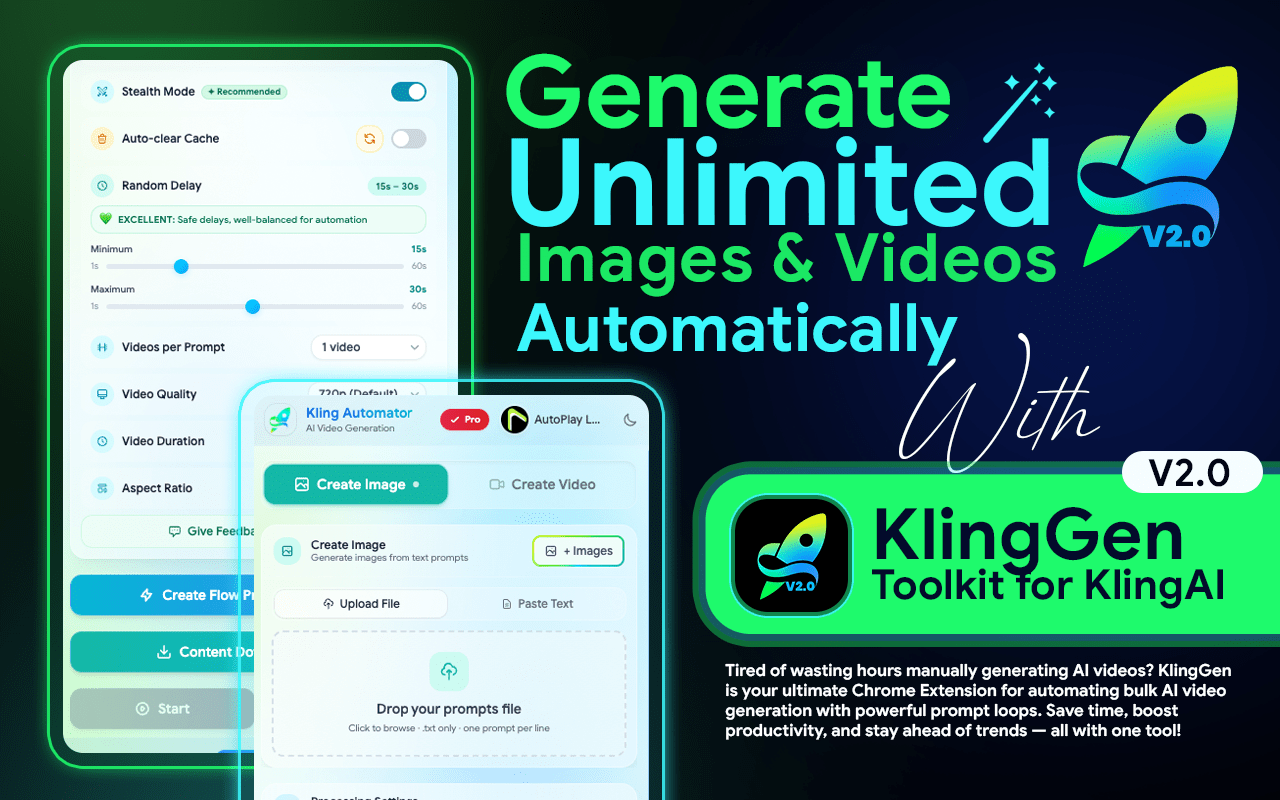
Instead of manually entering prompts and uploading reference assets one by one, KlingGen allows you to bulk-load prompts, pair frames, and queue hundreds of tasks simultaneously. By automating the tedious steps of setting parameters and waiting for renders, you free up your time for what matters: creative strategy.
Accelerate your content creation, the must-have bulk automation tool for Klinggen. Stop wasting time on repetitive clicking and start generating massive libraries of cinematic footage instantly. Built for agencies and social media managers, this extension automates the entire process so you can deliver high-quality video content at scale without the manual grind.
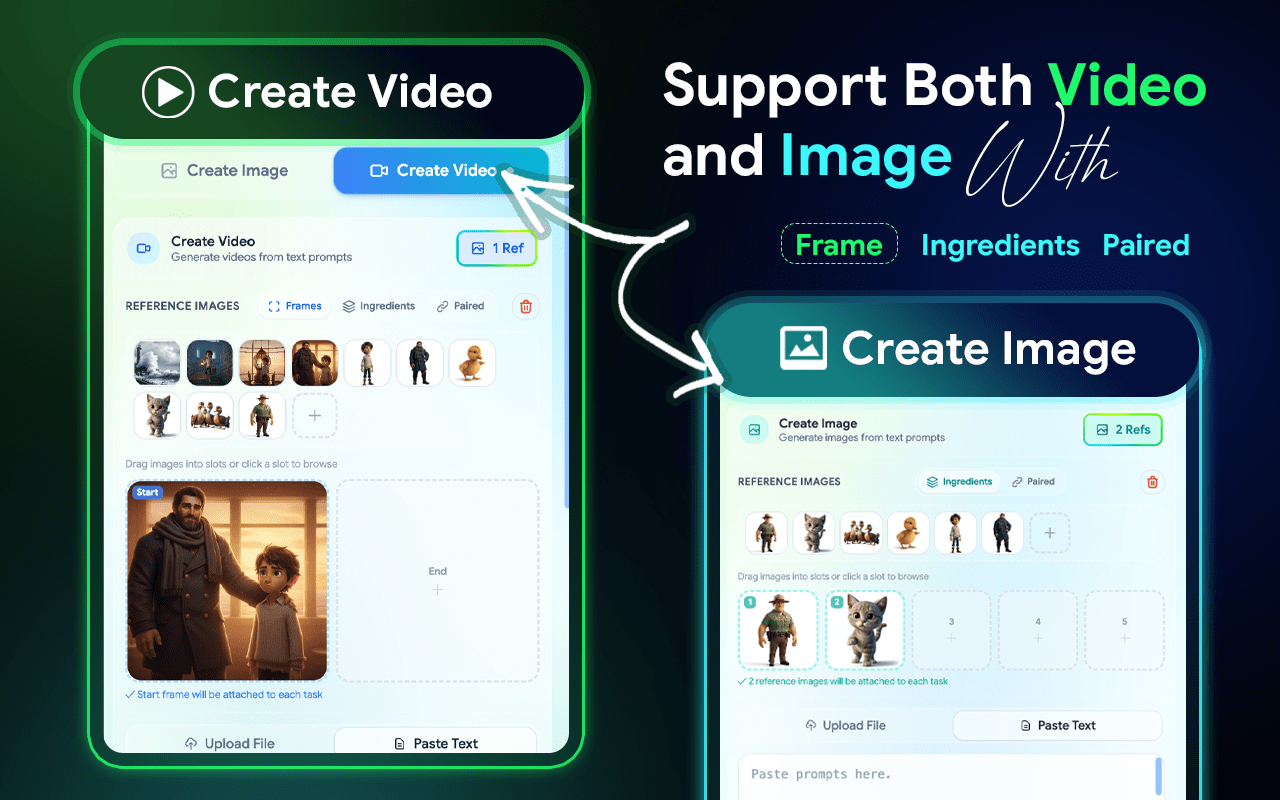
You can Create Bulk Images. Then select the Create image option.You can input multiple prompts at once for bulk generation, enabling you to create several images in one go.
You can Create Bulk Videos. Then select the Create video option. You can input multiple prompts at once for bulk generation, enabling you to create several videos in one go.
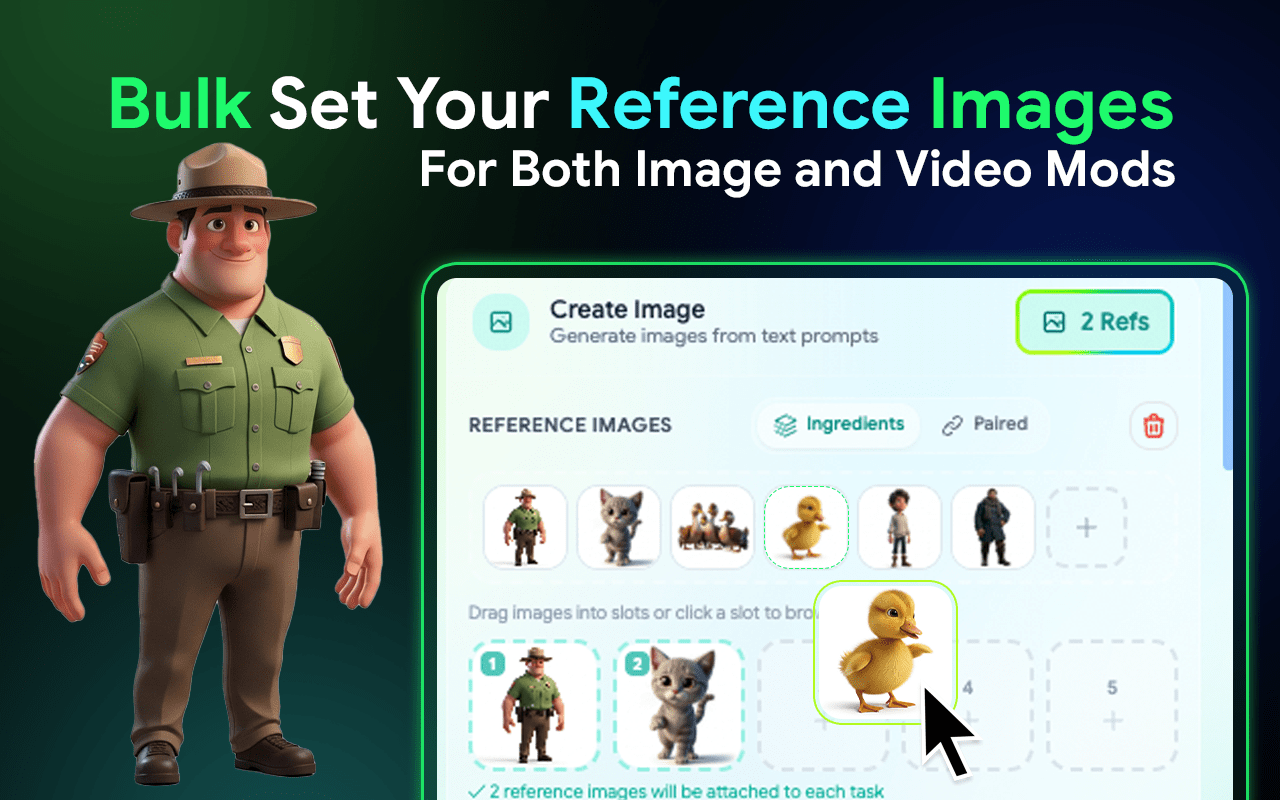
You can create more images by using multi reference image. Select and Add Reference Images in to Extension and drag and drop them to Your Prompts. Not Repetitive Reference image Uploading.
Text to Image: Paste a list or upload prompts to generate high-quality images in bulk automatically.
Integration Mode: Upload multiple reference images to ensure consistent style, improved quality, and accurate visuals.
Paired Mode: Match each prompt to a specific image, perfect for structured storytelling and precise scene creation.
First Click the "Image". Select and add reference images to the extension, then drag and drop them into your prompts. Not Repetitive Reference image Uploading.
Text to Video: Bulk generate multiple videos by entering a list of prompts. Ideal for rapid, high-volume content creation.
Frame to Video: Upload starting and ending frames to create smooth transitions and controlled animations between two images.
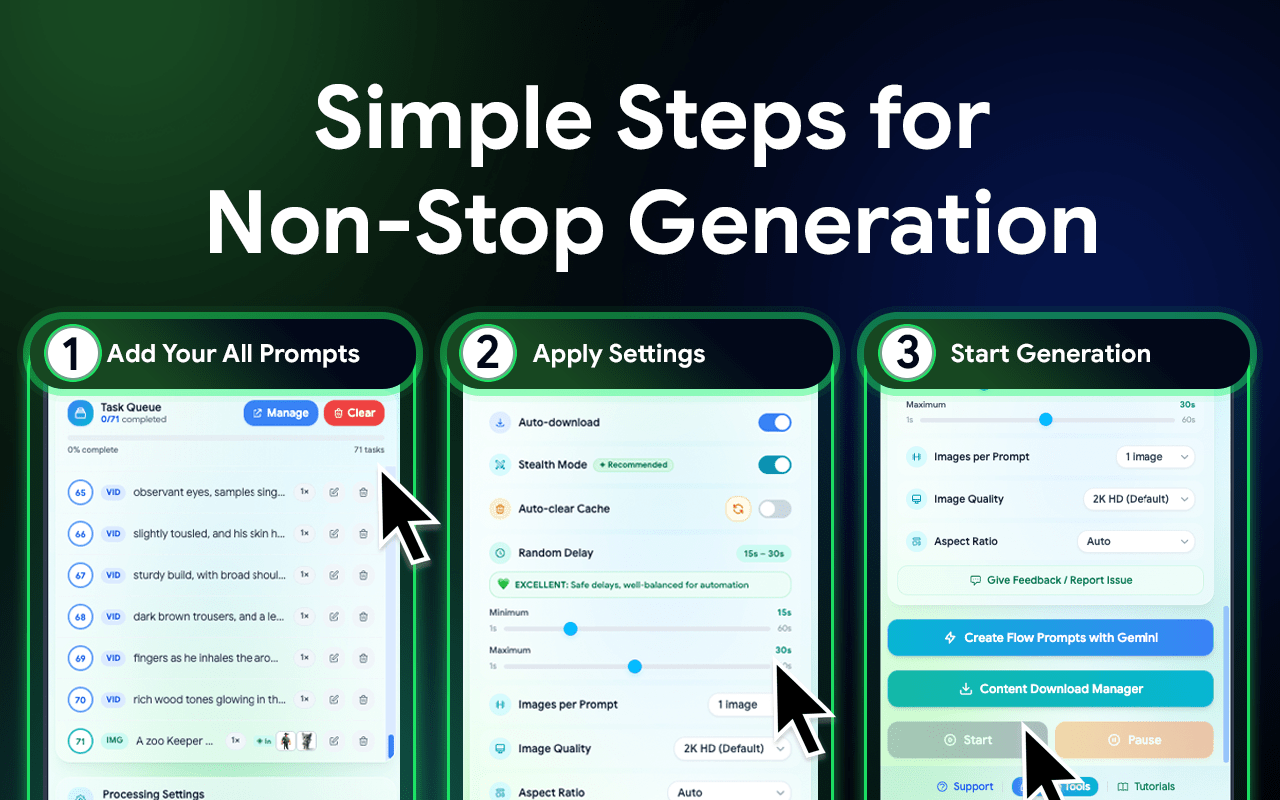
Click the “Edit icon” . Once you have customized your settings, click the “Save” button. Click the Manager and open the pop-up window.
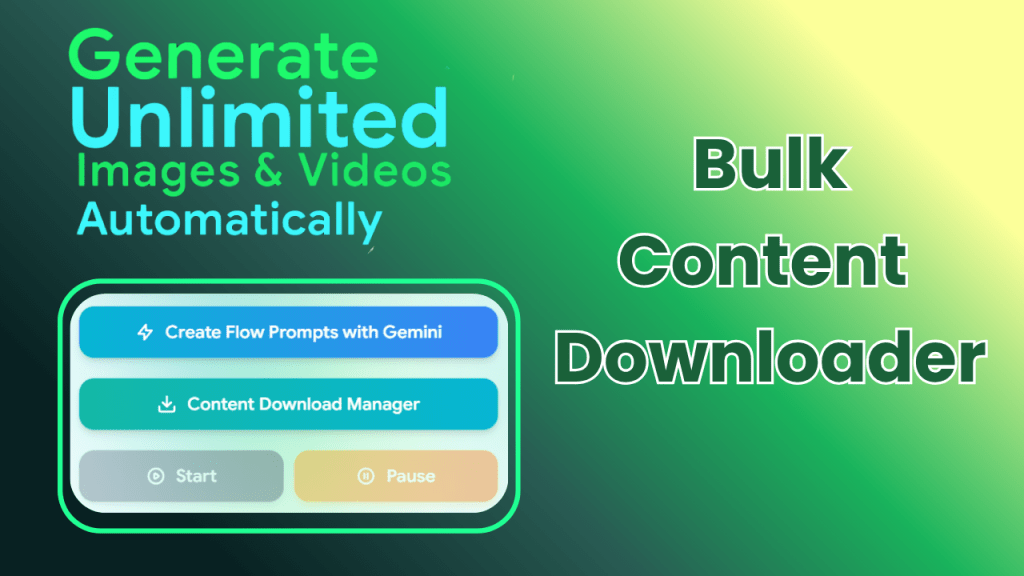
The Content Download Manager is your final stop for saving your creations. It features easy Selection options that let you select all, deselect all, or filter your files by image only or video only.
Automatically clears temporary data during long automation sessions. By preventing data buildup, it ensures your browser stays fast and stable, eliminating the lag or crashes that typically occur when generating large volumes of AI images and videos.
This feature simulates natural human behavior during the automation process. By adding randomized delays and mimicking real user interactions, it reduces the risk of hitting rate limits or triggering security errors, ensuring a smooth and uninterrupted workflow.
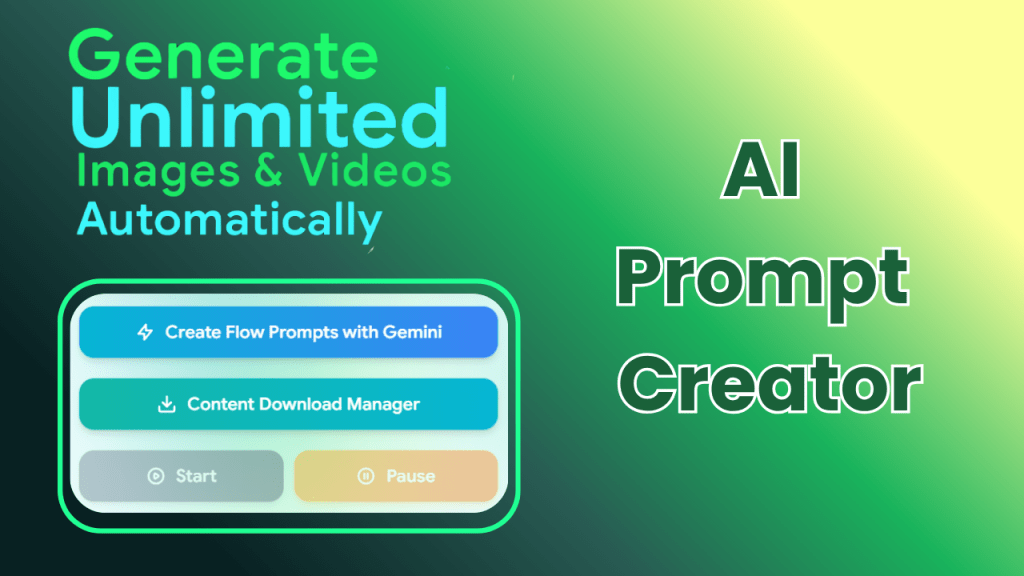
The AI Prompt Creator is your built-in brainstorming partner for overcoming creative blocks. This feature provides an extensive list of prompt ideas designed to inspire unique and high-quality visuals.
Really good tool for Klinggen. The pause and resume option is super handy for long runs. Makes bulk image work so much easier.
Go to the KlingGen Chrome Web Store page and click on the "Add to Chrome" button. Once installed, the extension icon will appear in your browser’s toolbar.

You can input multiple prompts at once for bulk generation, enabling you to create several images in one go.
Click the “Generate” button. KlingGen will automatically process all your prompts and initiate image generation in bulk.
Once the images are generated, KlingGen will automatically download them to your device without you having to click anything.
Yes, Klinggen Automator connects directly with your Google account to automate image generation.
Unlimited – you can run as many text prompts as you like.
Yes, provided the stock marketplace allows AI-generated content. Many contributors already use Klinnge outputs for stock uploads.
No. Simply enter your text prompts, and Klinggen Automator does the work.
You can try basic features for free. Features like unlimited prompts and auto-download may require an upgrade.
KlingGen- Kling AI Bulk Video & Image Generator
Automation / Chrome Extension
2000 +
Our team will answer all your questions. we ensure a quick response.
Stay informed with our latest updates.
Copyright © 2025 All Rights Reserved.