

INTRODUCTION
In the rapidly evolving world of AI creativity, Google Labs’ ImageFX has emerged as one of the most powerful engines for generating photorealistic and high-quality visuals. However, for professionals, the “one-by-one” manual process can be a major bottleneck.
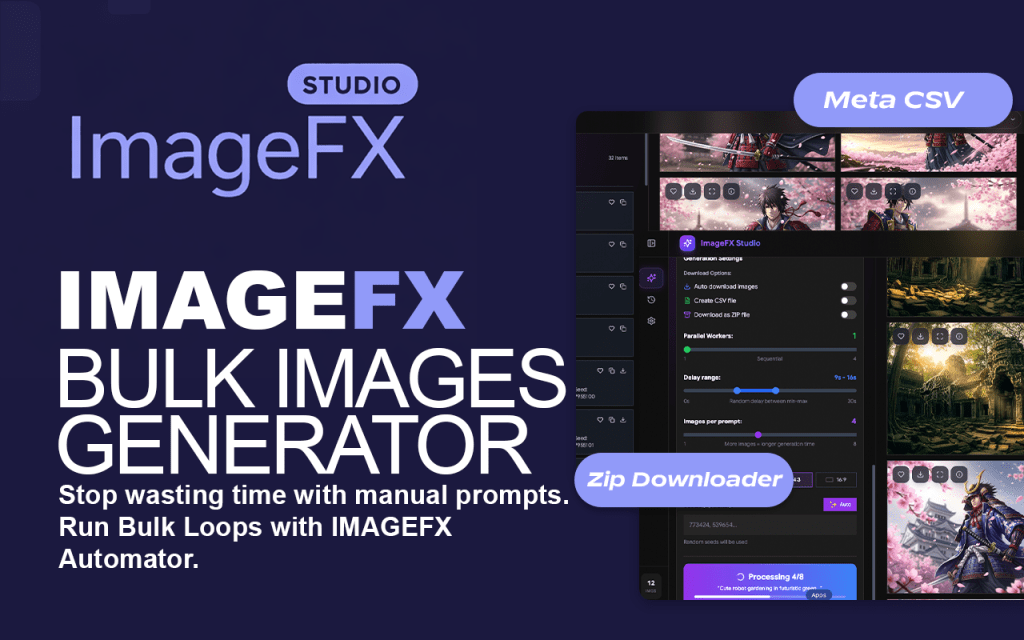
Enter ImageFX Studio, the premium Chrome extension designed to transform Google’s AI into a high-performance production suite.
Whether you are a stock photographer, a digital marketer, or a content creator, here is everything you need to know about the tool that is changing the AI image generation game.
What is ImageFX Studio?
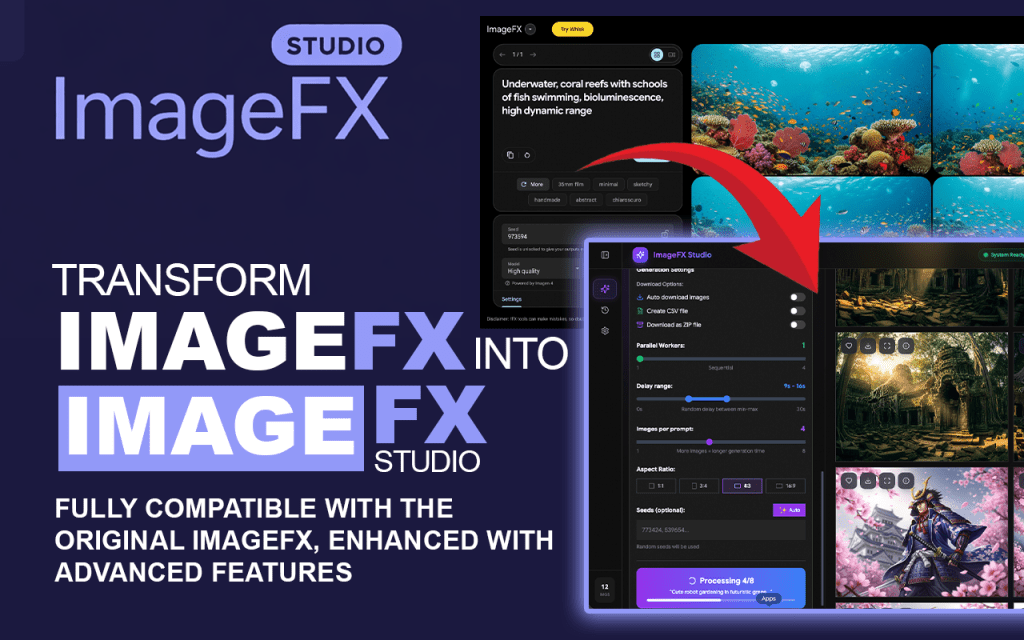
ImageFX Studio is an advanced automation platform and browser extension built specifically for Google Labs ImageFX. It acts as a professional-grade “Command Center,” allowing users to bypass manual clicks and generate images at a scale previously impossible.
Instead of manually entering prompts and saving files one by one, ImageFX Studio allows you to run unlimited prompts simultaneously. It integrates directly with the Google ImageFX interface, providing a sleek, advanced UI overlay that handles the heavy lifting for you.It introduces multi-threading, bulk processing, and a streamlined UI to help you create hundreds of images in the time it used to take to create ten.
Think of it as moving from a hand-operated printing press to a full-scale digital printing factory.


Key Features of ImageFX Studio
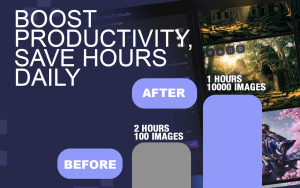
ImageFX Studio isn’t just about doing things faster; it’s about doing them smarter. Here are the standout features that make it an essential tool.
⚡ Bulk AI Image Generation
Stop limiting your creativity. With ImageFX Studio, you can queue up hundreds of prompts at once. The tool feeds them directly into Google ImageFX, allowing you to generate massive volumes of art without any manual intervention.
🧵 Parallel Processing (Multi-Threading)
This is the flagship feature. Instead of waiting for one image to finish before starting the next, ImageFX Studio uses multi-threaded workflows. It generates multiple images simultaneously, maximizing your hardware and network potential to crush deadlines.
📥 Auto-Download Manager
One of the biggest time-wasters is manually right-clicking and saving images. ImageFX Studio automatically detects when images are generated and downloads them instantly to your computer. You walk away from your desk, and when you return, your folders are full.
🧠 Inbuilt Prompt Library
Not sure what to create? The tool comes with an inbuilt, optimized prompt library. Whether you need stock photography, social media visuals, or concept art, you can access pre-built prompts designed to get the best quality out of Google ImageFX Studio.
🖥️ Advanced Professional UI
ImageFX Studio replaces the basic interface with a clean, powerful dashboard designed for productivity. It gives you better control over your queues and history management.
Who is ImageFX Studio For?
- Stock Contributors: Rapidly expand your portfolios on Adobe Stock or Freepik by generating high volumes of AI-accepted content.
- Social Media Managers: Create a month’s worth of Instagram posts, YouTube thumbnails, and TikTok visuals in a single afternoon.
- Marketing Agencies: Batch-create ad creatives and A/B test different visual concepts instantly.
- Bloggers & SEO Experts: Generate unique, copyright-free illustrations that improve dwell time and SEO rankings for your articles.
- Graphic Designers: Quickly produce "mood boards," mockups, and variations to show clients during the ideation phase.
Why Use ImageFX Studio Instead of Manual Generation?
If you’ve used Google ImageFX manually, you know the struggle: inputting a prompt, waiting, clicking download, and repeating.
ImageFX Studio solves the “Speed Gap.”
- Efficiency: It removes 90% of the manual clicks required.
- Scalability: It turns a solo creator into a "studio-level" producer.
- Control: With direct API integration and history management, you never lose a masterpiece.
How to Use ImageFX Studio (Quick Start)
Install: Add the ImageFX Studio Extension to your Chrome browser.
Connect: Open Google Labs ImageFX.
Input: Enter your bulk prompts or choose from the prompt library.
Automate: Enable multi-threading and auto-download.
Scale: Watch as your library of high-end AI art grows automatically.
Conclusion: Upgrade Your AI Workflow Today
If you are tired of the tedious process of manual image creation, it is time to upgrade. ImageFX Studio turns Google Labs ImageFX into the powerhouse it was always meant to be.
Stop generating images one by one. Start working in parallel.
👉 [Install ImageFX Studio] and unlock the future of high-performance AI image creation today!