
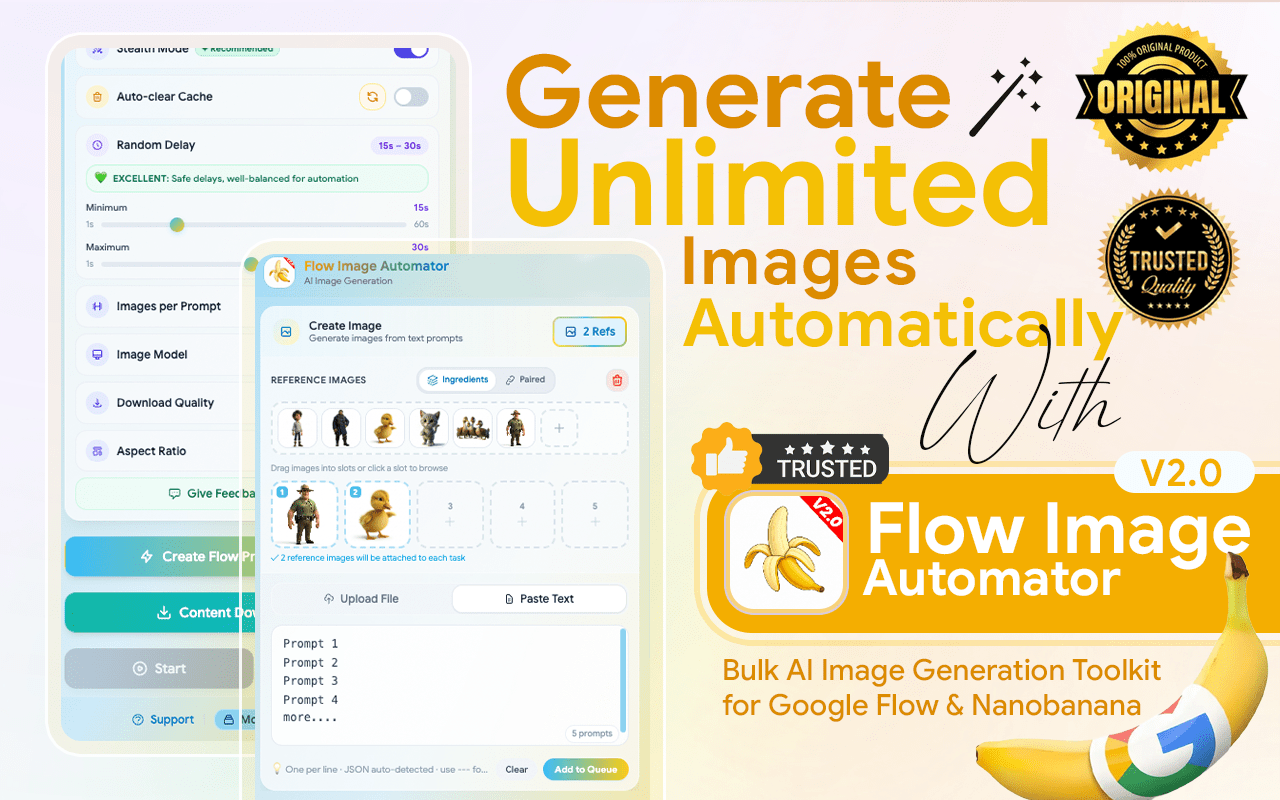
Flow Image Automator is the ultimate power-tool for creators using Google’s latest AI models (Imagen 4, Nano Banana 2, and Nano Banana Pro). Stop the “one-by-one” grind and transform Google Labs into a high-speed, fully automated image factory.
Flow Image Automator is a specialized browser extension designed to transform Google Labs’ AI image generation platforms into a fully automated, large-scale production system. Its core purpose is to eliminate the manual, repetitive tasks involved in creating AI art, enabling users to generate hundreds or thousands of images with a single setup.
The tool addresses the pain points of manual entry, waiting, and downloading by automating the entire pipeline. Instead of automating just the clicks, it automates the results—from bulk input to final download. The core promise is a “Set It & Forget It” workflow, turning hours of manual work into minutes of setup for automated image production.
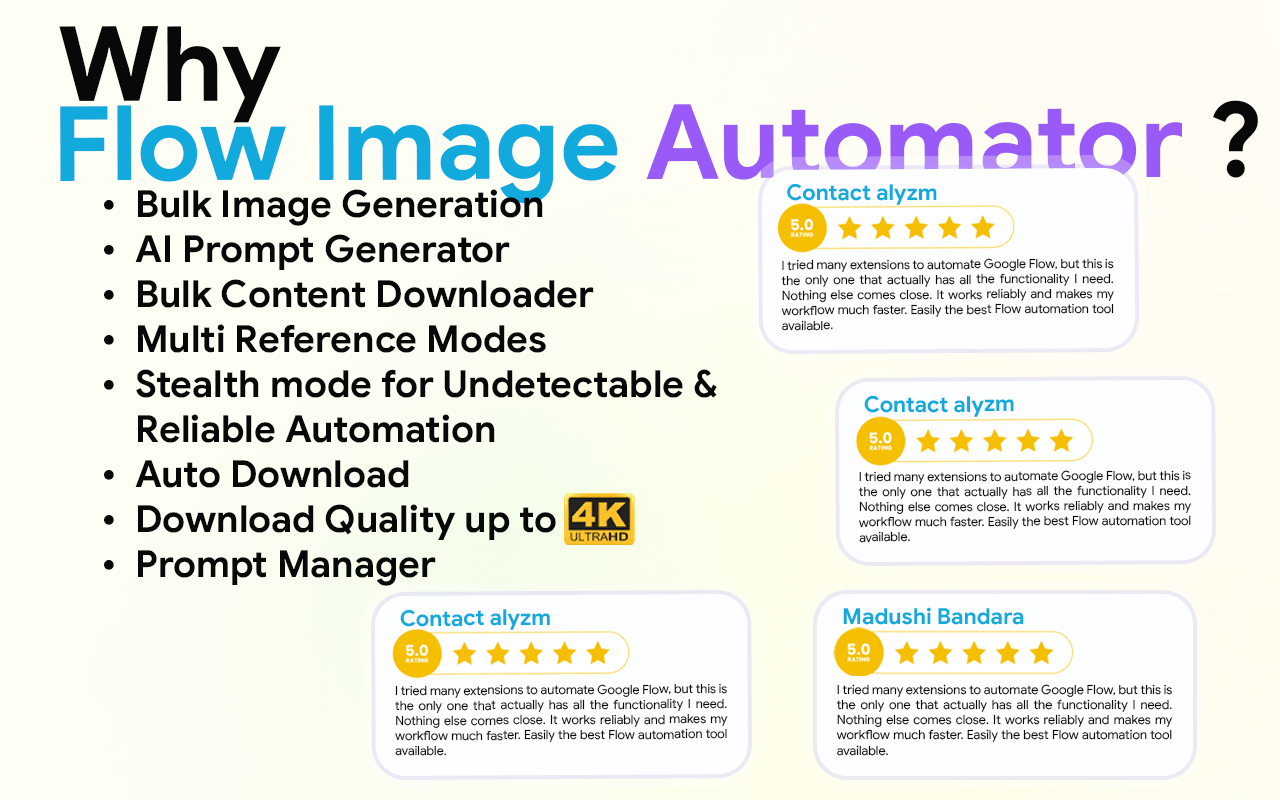
In the fast-moving world of AI, time is your most valuable currency. While others are stuck clicking buttons, Flow Image Automator users are scaling their businesses. Here is why our tool is the gold standard for Google Labs automation:
Go to the Flow Images Automator Chrome Web Store page and click on the "Add to Chrome" button. Once installed, the extension icon will appear in your browser’s toolbar.
You can input multiple prompts at once for bulk generation, enabling you to create several images in one go.
Click the “Generate” button. Flow Image Automator will automatically process all your prompts and initiate image generation in bulk.
Once the images are generated, Flow Images Automator will automatically download them to your device without you having to click anything.
The key features of Flow Image Automator work together to eliminate all repetitive manual work from input and generation to download and organization. allowing creators to scale their AI image production massively and efficiently.
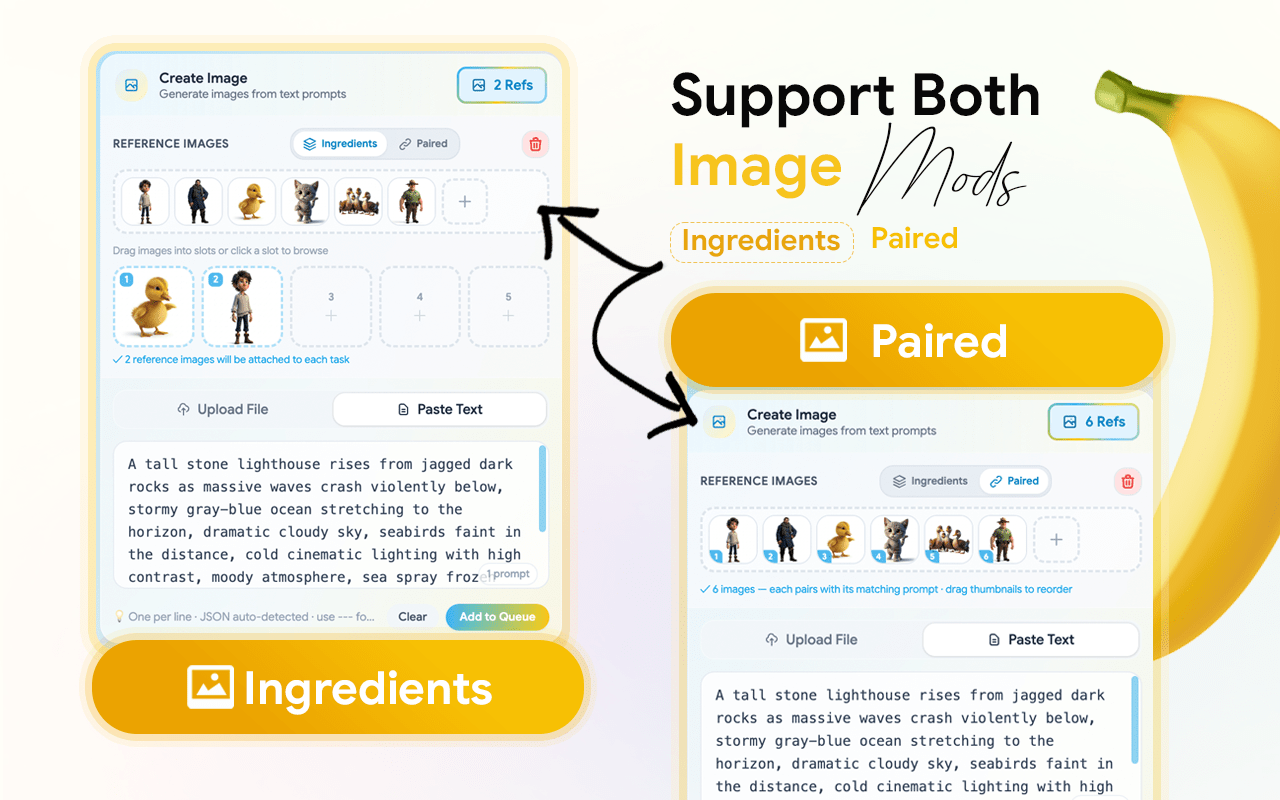
You can Create Bulk Images. Then select the Create image option.You can input multiple prompts at once for bulk generation, enabling you to create several images in one go.
You can create more images by using multi reference image. Select and Add Reference Images in to Extension and drag and drop them to Your Prompts. Not Repetitive Reference image Uploading.
Click the “Edit icon” . Once you have customized your settings, click the “Save” button. Click the Manager and open the pop-up window.
The Content Download Manager is your final stop for saving your creations. It features easy Selection options that let you select all, deselect all, or filter your files by image only or video only.
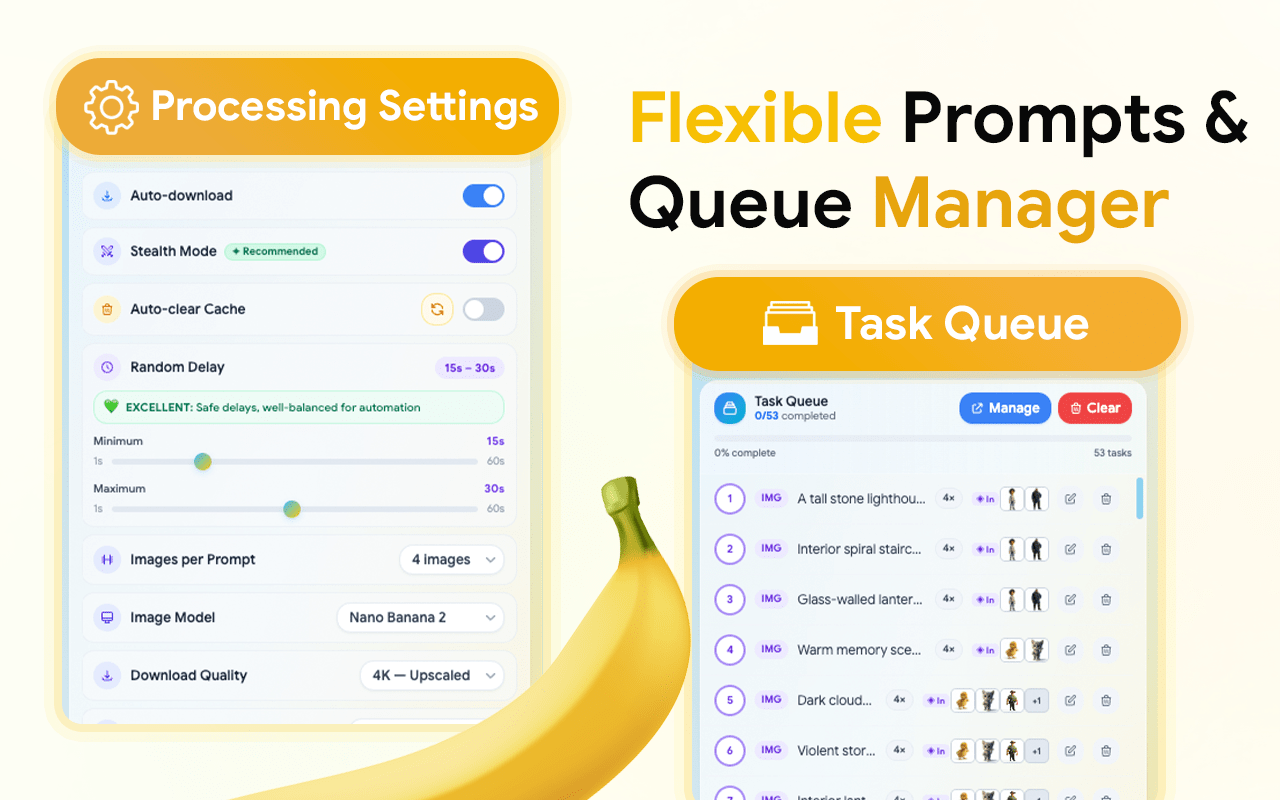
You can use this option to clear the cache when generating images or videos.
If you want to simulate human behaviors for characters. You can use this option and customize stealth mode.
The AI Prompt Creator is your built-in brainstorming partner for overcoming creative blocks. This feature provides an extensive list of prompt ideas designed to inspire unique and high-quality visuals.
It’s a paid tool, but after using it, I can say it’s absolutely worth the price. If you’re generating AI images seriously and want to scale, this extension makes the whole process effortless.
Yes, Flow images Automator connects directly with your Google account to automate image generation.
Unlimited – you can run as many text prompts as you like.
Yes, provided the stock marketplace allows AI-generated content. Many contributors already use flow outputs for stock uploads.
No. Simply enter your text prompts, and Flow Images Automator does the work.
You can try basic features for free. Features like unlimited prompts and auto-download may require an upgrade.
Flow Image Automator - Bulk AI Image Generation for Google Labs
Automation / Chrome Extension
1000 +
Our team will answer all your questions. we ensure a quick response.
Stay informed with our latest updates.
Copyright © 2025 All Rights Reserved.