
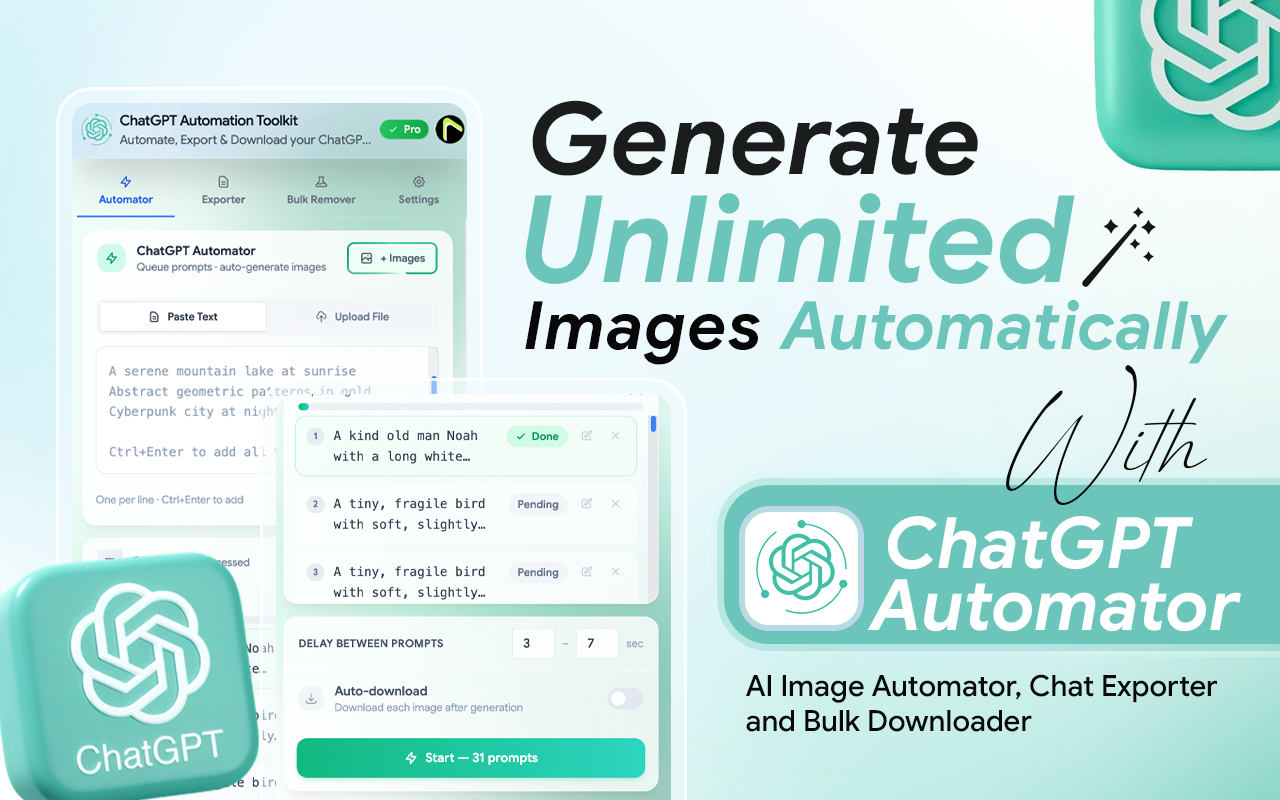
ChatGPT Automation Toolkit – Automate, Export & Download
ChatGPT Automator Toolkit is a powerful browser extension that enhances ChatGPT by providing automation, exporting, and bulk downloading features. The extension helps users automate image generation workflows, export conversations and workspace content, and download AI-generated assets efficiently. Designed for creators, marketers, designers, researchers, and AI power users, it reduces repetitive manual tasks, improves content organization, and streamlines productivity within the ChatGPT workspace.
Managing AI-generated content manually can be time-consuming, especially when working with large numbers of images, conversations, and creative projects. ChatGPT Automator Toolkit simplifies these workflows by providing powerful automation, export, and download tools directly within ChatGPT. Instead of repeating the same actions manually, users can automate tasks, organize content efficiently, and focus more on creating valuable results.
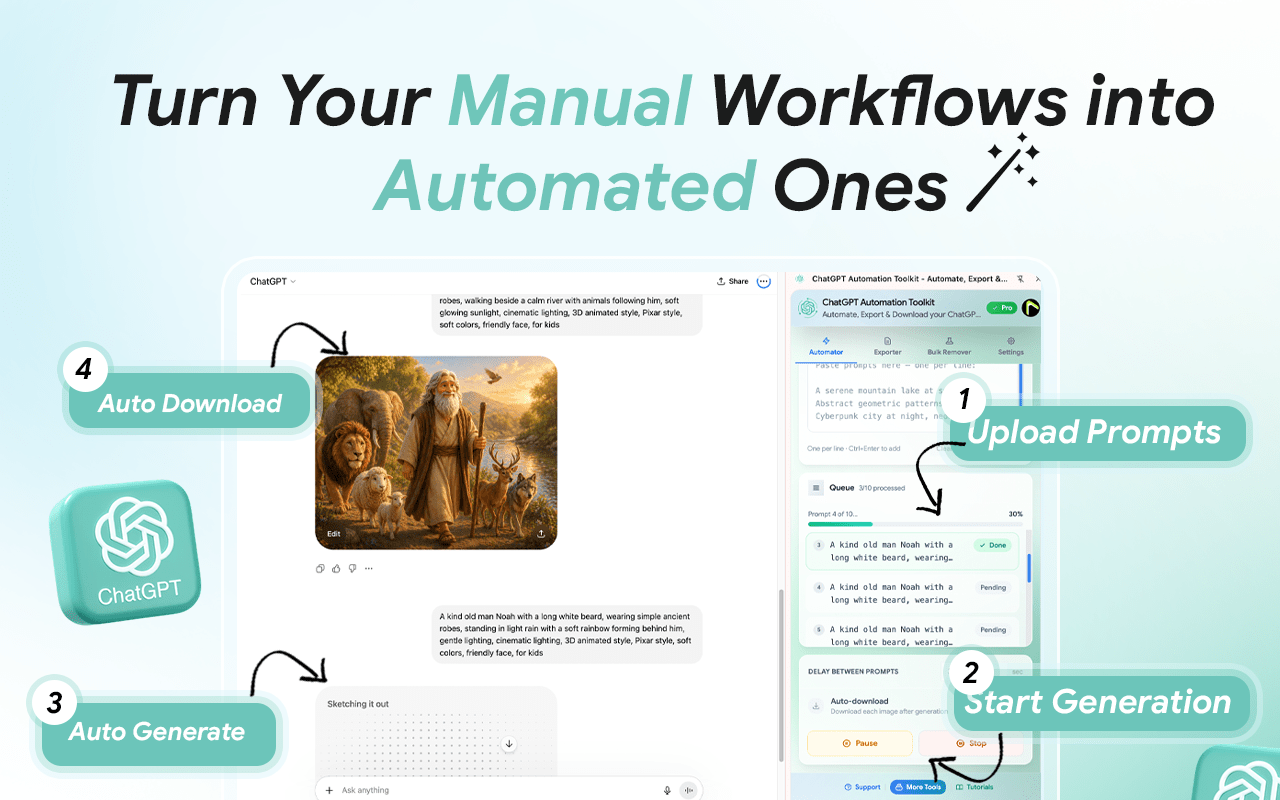
Download and install ChatGPT Automator Toolkit from the Chrome Web Store. Once installed, the extension will appear in your browser toolbar and integrate directly with ChatGPT.
Add your prompts manually or upload a prompt list for bulk processing. You can prepare multiple prompts in advance and queue them for automatic generation.
Click the Start button to begin the automation process. The extension will automatically submit prompts and manage the generation workflow without requiring manual intervention.
As images are generated, the extension can automatically download and organize your outputs, allowing you to focus on creating content instead of managing files.
Generate multiple AI images automatically from a prompt list, eliminating repetitive manual work and saving hours of time.
Use existing images as references to create more consistent and controlled AI-generated results.
Export ChatGPT conversations in PDF, TXT, JSON, or Markdown formats while preserving structure and formatting.
Download multiple ChatGPT-generated images at once and organize them efficiently for easy management.
It’s a paid tool, but after using it, I can say it’s absolutely worth the price. If you’re generating AI images seriously and want to scale, this extension makes the whole process effortless.
Yes. The extension works on both ChatGPT Free and paid plans. However, ChatGPT Free accounts typically have limited image generation capacity. For a smoother experience and higher generation limits, we recommend using a ChatGPT Go, Plus, or other paid subscription plan offered by OpenAI.
No. ChatGPT Automator Toolkit does not bypass ChatGPT credits, generation limits, subscriptions, or account restrictions. The extension only automates workflows and simplifies content management.
Yes. The extension can be used with different ChatGPT accounts. However, all ChatGPT usage limits and generation quotas are determined by the account you are using.
ChatGPT Automator Toolkit is built for creators, marketers, designers, researchers, business professionals, and AI power users who want to automate workflows and manage AI-generated content more efficiently.
No. The extension operates within your browser and ChatGPT workspace. Any data handling depends on the features being used and the permissions granted by the user.
ChatGPT Automation Toolkit
Automation / Chrome Extension
10 +
Our team will answer all your questions. we ensure a quick response.
Stay informed with our latest updates.
Copyright © 2025 All Rights Reserved.