
- Chrome Extension Development
- Chrome Extension Upgrades
- Chrome Extension Bug Fixing
- Backend & API Development
- Automation Development
- Email and Google Auth Implementation
- Payment Integration
- Performance Improvements
- Chrome Store Thumbnail Design
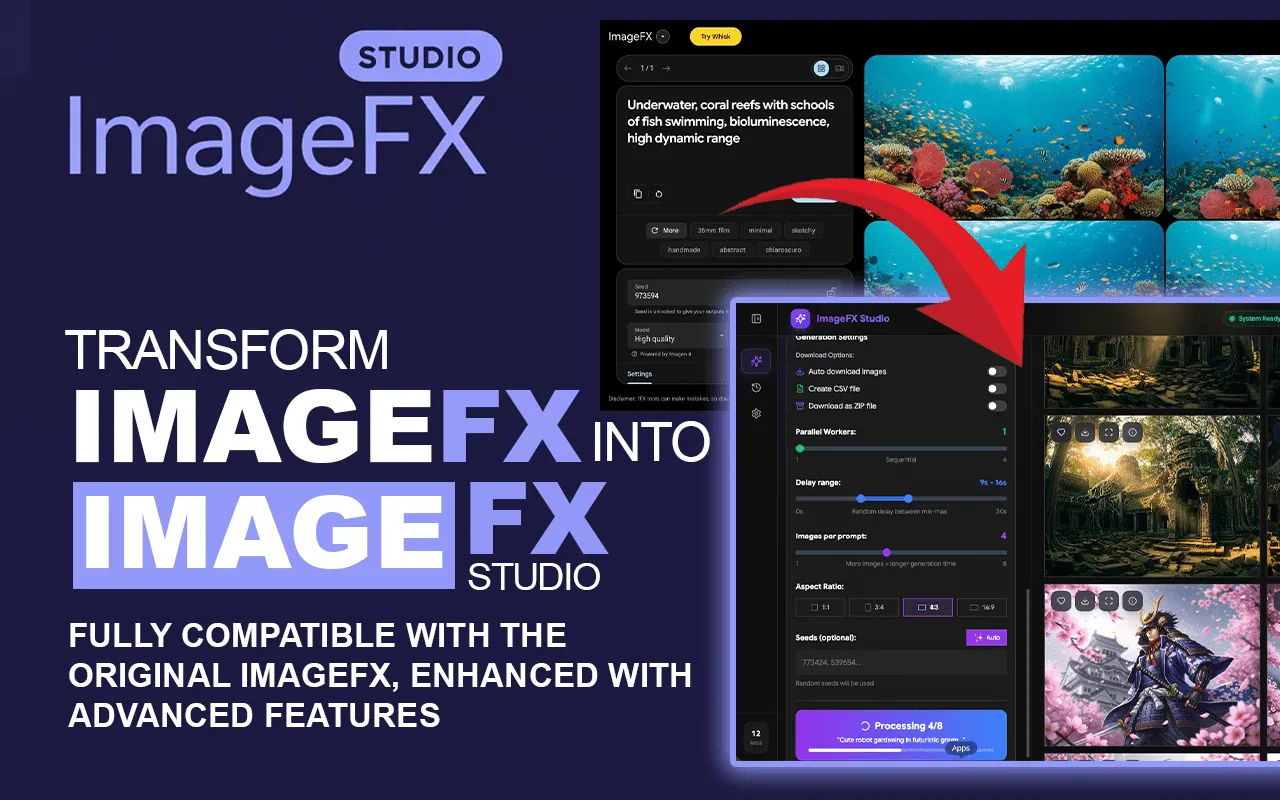
Turn Google ImageFX Into a Bulk Image Studio
Ultimate image generation suite with bulk processing, history management, and direct parallel integration for Google ImageFX.
Create unlimited AI images at scale. ImageFX Studio is the next evolution of AI automation, built for professionals who demand speed, parallel processing, and full creative control. By turning Google Labs into a high-output production house, we help you bridge the gap between “one-off” prompts and a full-scale creative studio.
Why Choose ImageFX Studio?
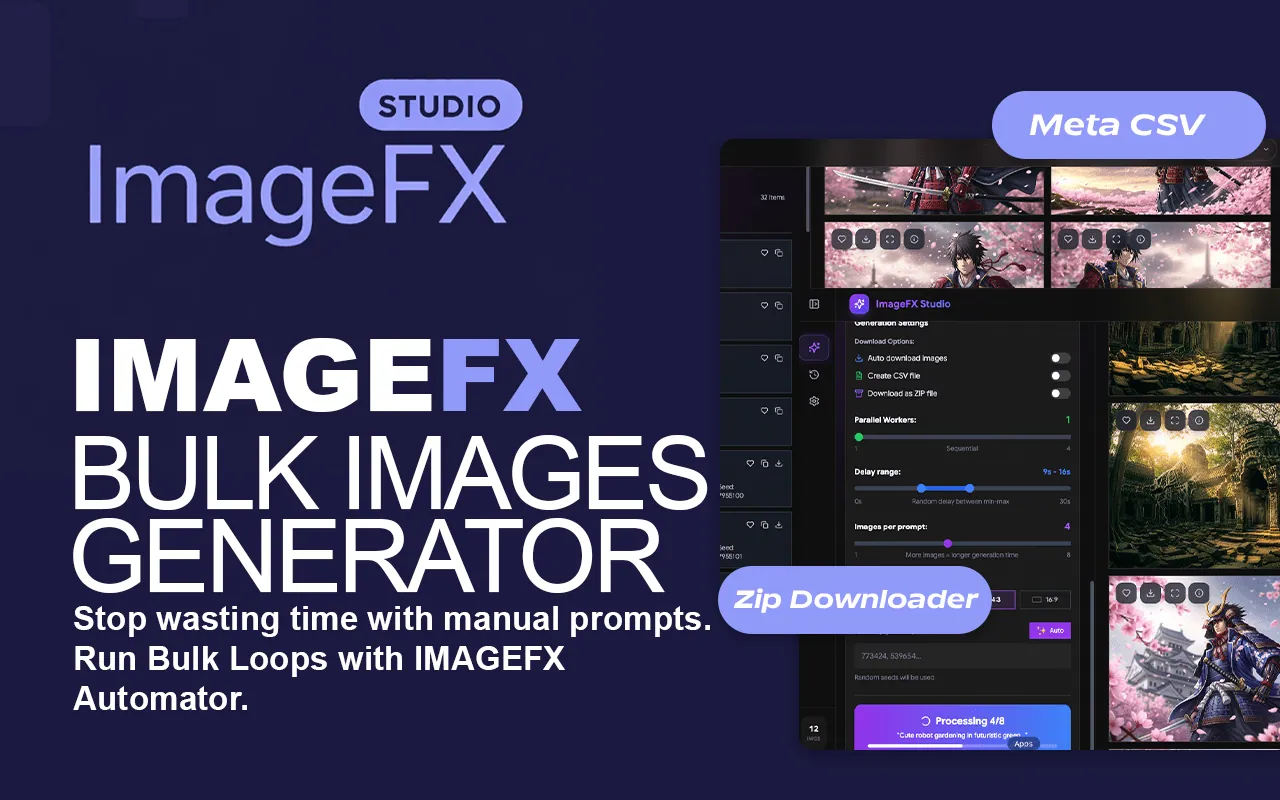
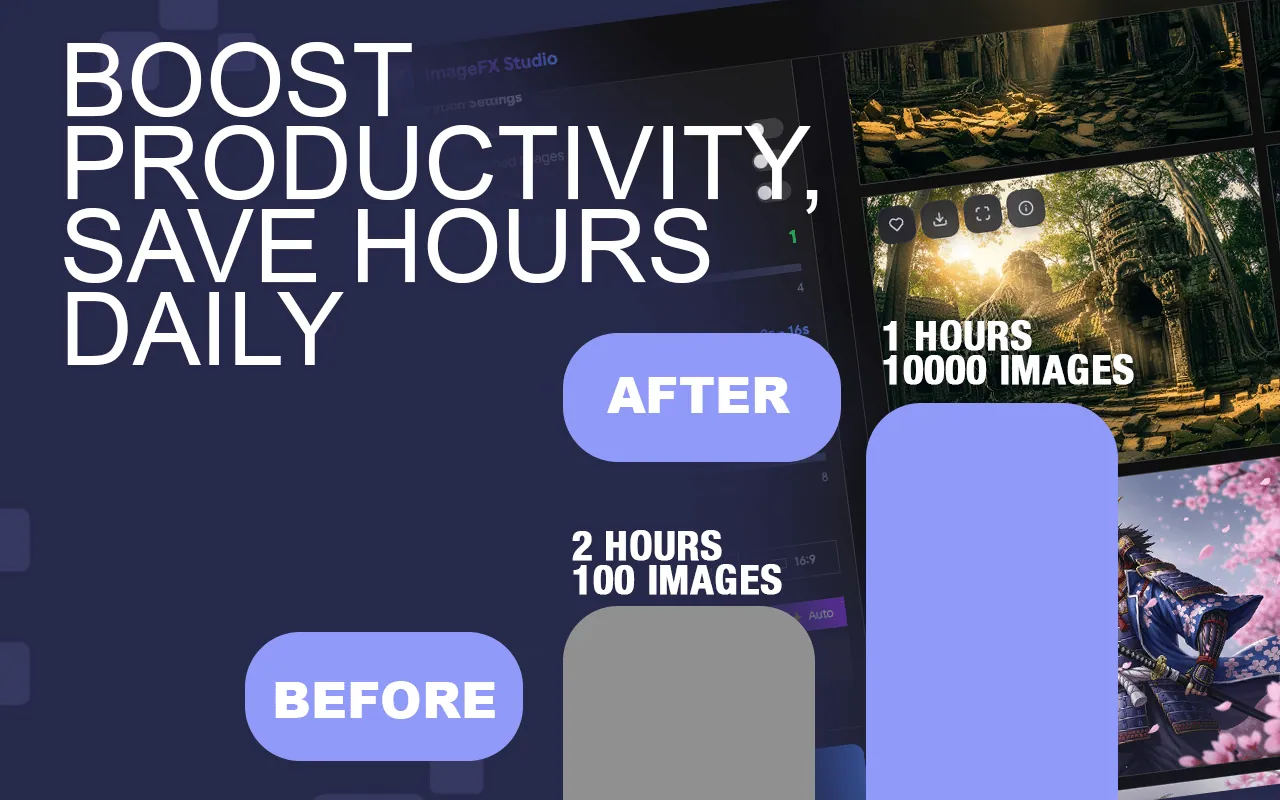
Manually prompting and saving images in Google ImageFX is time-consuming. ImageFX Studio eliminates the repetitive work, allowing you to:
- Generate hundreds of AI images from a single list of prompts.
- Run parallel multi-threaded workflows
- Auto-download images instantly
- Use inbuilt, optimized prompts
- Scale creative output like a real studio
Key Features of ImageFX Studio
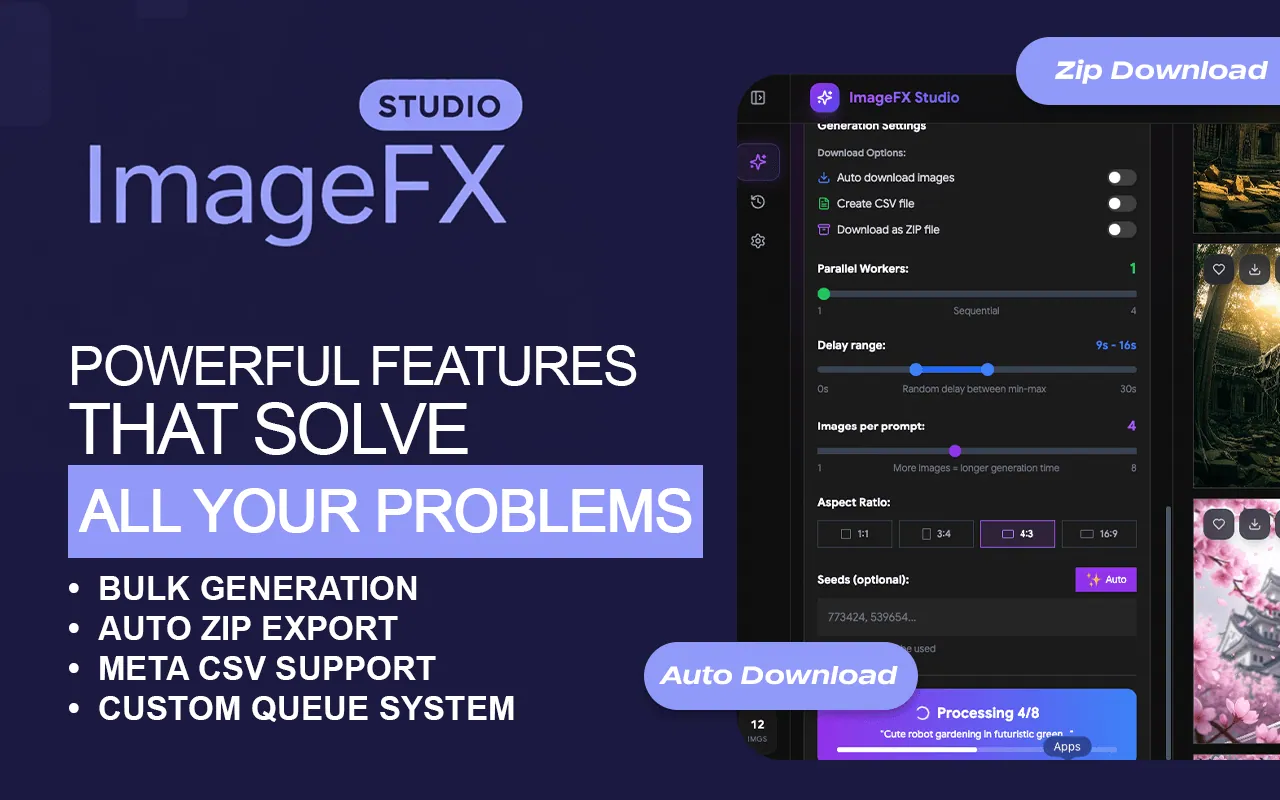
Our innovative automation architecture creates a seamless bridge between your creative vision and Google’s powerful Imagen models. Through a cohesive integration of multi-threaded processing, intelligent prompt management, and high-fidelity output, we deliver a unified production experience that enhances efficiency, builds creative momentum, and sets your professional workflow apart.
- Feature 01
Bulk AI Image Generation
Run unlimited prompts directly in Google Labs ImageFX.
- Feature 02
Parallel Processing (Multi-Threading)
Generate multiple images at the same time instead of one by one.
- Feature 03
Auto Download
High-quality AI images are saved automatically — zero manual clicks.
- Feature 04
Social Media Image Generator
Generate Instagram posts, YouTube thumbnails, Pinterest pins, and TikTok visuals in minutes.
- Feature 05
One-Click Workflow
No copy-paste. No manual downloads. Fully automated.
- Feature 06
Stock Contributor Automation
Bulk image generation for Adobe Stock, Shutterstock, Pond5, Envato, Freepik (where AI content is accepted).
- Feature 07
AI Design Automation
Create concept art, mockups, illustrations, and variations at scale.
How It Works
- Step 01
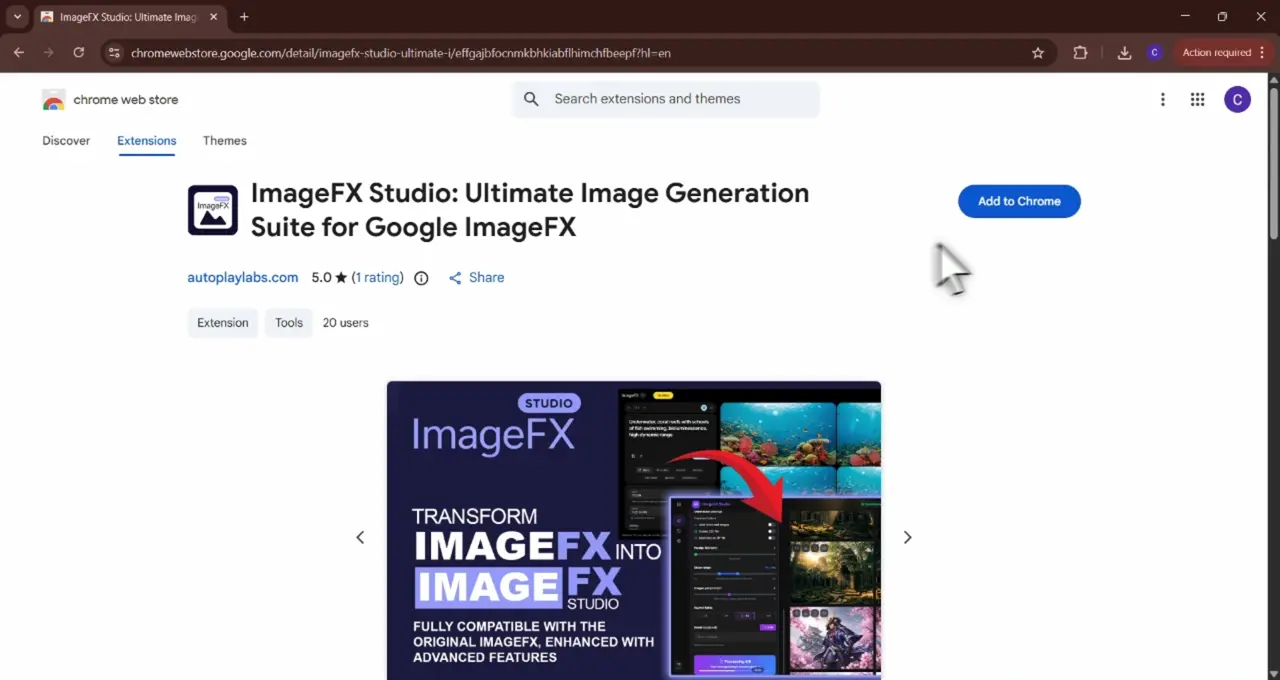
Install Extension
Go to the ImageFX Studio Chrome Web Store page and click on the "Add to Chrome" button. Once installed, the extension icon will appear in your browser’s toolbar.
- Step 02
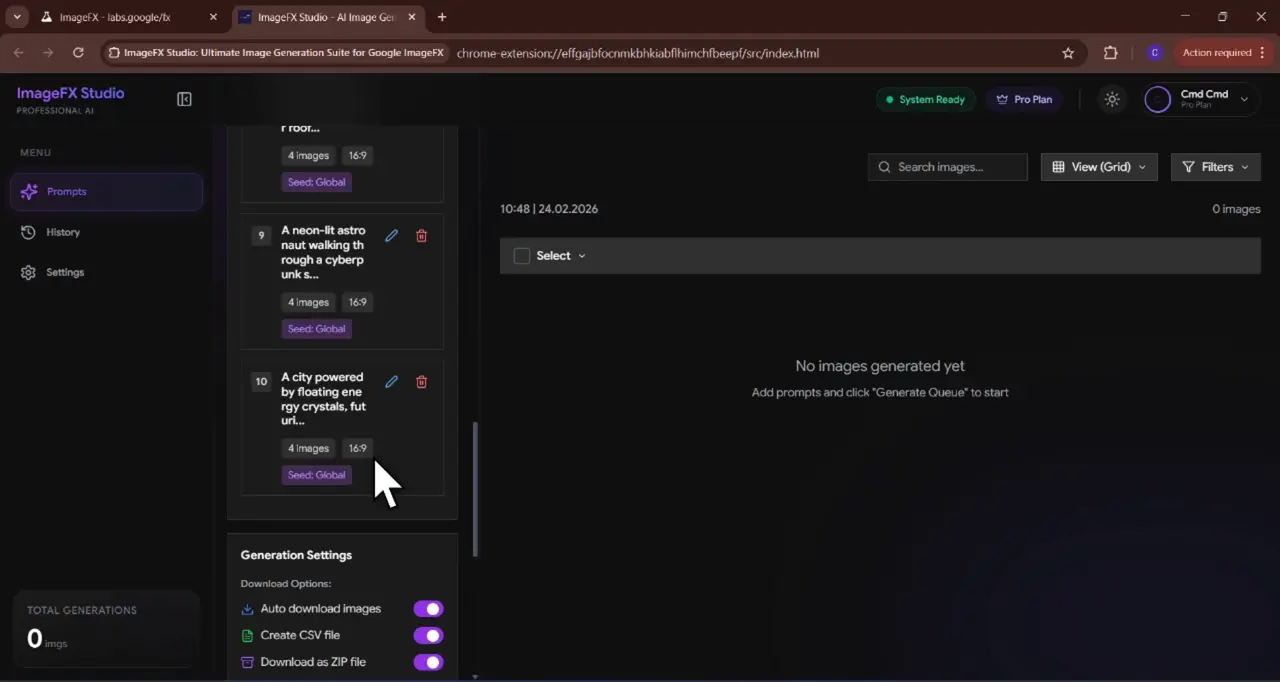
Upload Prompts
You can input multiple prompts at once for bulk generation, enabling you to create several images in one go.
- Step 03
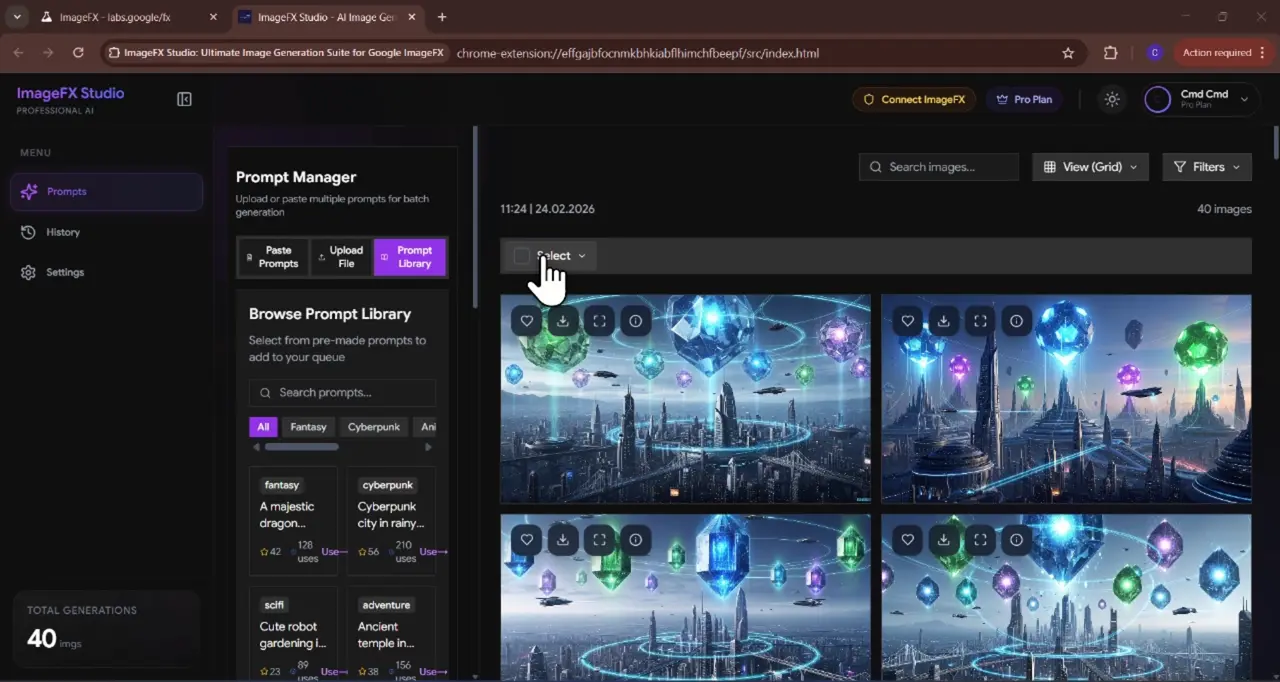
Start Bulk Image Generation
Click the “Generate” button.ImageFX will automatically process all your prompts and initiate image generation in bulk.
- Step 04
Auto-Download
Once the images are generated, ImageFX Studio will automatically download them to your device without you having to click anything.
Our Subscription Plans
Monthly
$4.99
- Full access to Whisk tools
- Library download manager
- AI prompt creator
- Basic support
Yearly
$19.99
- Full access to Whisk tools
- Library download manager
- AI prompt creator
- Basic support
LifeTime
$39.99
- Full access to Whisk tools
- Library download manager
- AI prompt creator
- Basic support
FAQ
Let’s address your questions today!
Send a support ticket with your question or feedback and the AutoPlayLabs team will reply by email.
Submit a support ticket→Yes, you must have access to Gemini Image Downloader to use this tool.